
metadata
license: openrail
language:
  - en
library_name: diffusers
pipeline_tag: text-to-image
tags:
  - midjourney
  - midjourney V7
  - v6
  - MJ
  - mj
  - kviai
  - kvikontent
  - text-to-image
  - lora
base_model: runwayml/stable-diffusion-v1-5
widget:
  - text: ed sheeran made of thnderstorm clouds, lights, thunder, rain, particles
    output:
      url: images/ed.png
  - text: man on the yeacht, particles, photoreal style
    output:
      url: images/yacht.png
  - text: A professional photo of a woman in blue particles
    output:
      url: images/woman.png
Midjourney V7
Midjourney is most realistic and powerful ai image generator in the world. Here is is the first ever release of version 7
Examples

- Prompt
- ed sheeran made of thnderstorm clouds, lights, thunder, rain, particles

- Prompt
- man on the yeacht, particles, photoreal style
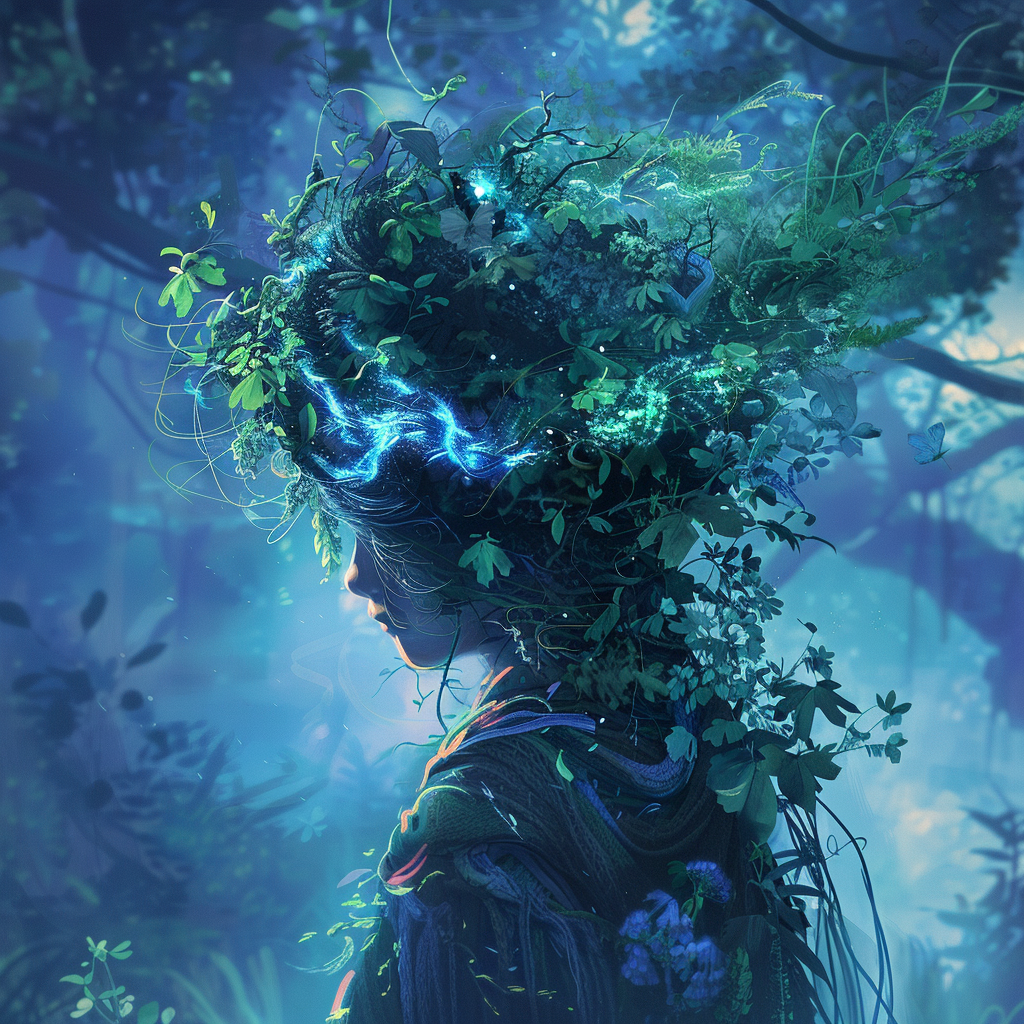
- Prompt
- A professional photo of a woman in blue particles
Usage
You can use this model using huggingface Interface API:
import requests

API_URL = "https://api-inference.huggingface.co/models/Kvikontent/midjourney-v7"
headers = {"Authorization": "Bearer HUGGINGFACE_API_TOKEN"}

def query(payload):
    response = requests.post(API_URL, headers=headers, json=payload)
    return response.content
image_bytes = query({
    "inputs": "Astronaut riding a horse",
})
# You can access the image with PIL.Image for example
import io
from PIL import Image
image = Image.open(io.BytesIO(image_bytes))